ProCal eView
Web-based Report Scheduling and Delivery System for ProCal Direct
With ProCal eView, select system reports can be automatically emailed to designated recipients, and on a routine calendar basis! In addition, maintenance requests can be launched via ProCal eView from anywhere with a web connection and by using almost any type of hand-held mobile device. Powerful administration tools provide a wide range of configurable options for users and report viewing outlined below.
ProCal eView Features & Functionality
- User friendly interface
- Calendar schedule & auto-execute any system reports
- Auto deliver PDF or Excel reports to an unlimited number of specified e-mail recipients
- Generate on-demand reports via secure web access
- Works with the over 80 standard reports in ProCal Direct
- Create a maintenance request in ProCal eView and it appears in ProCal Direct
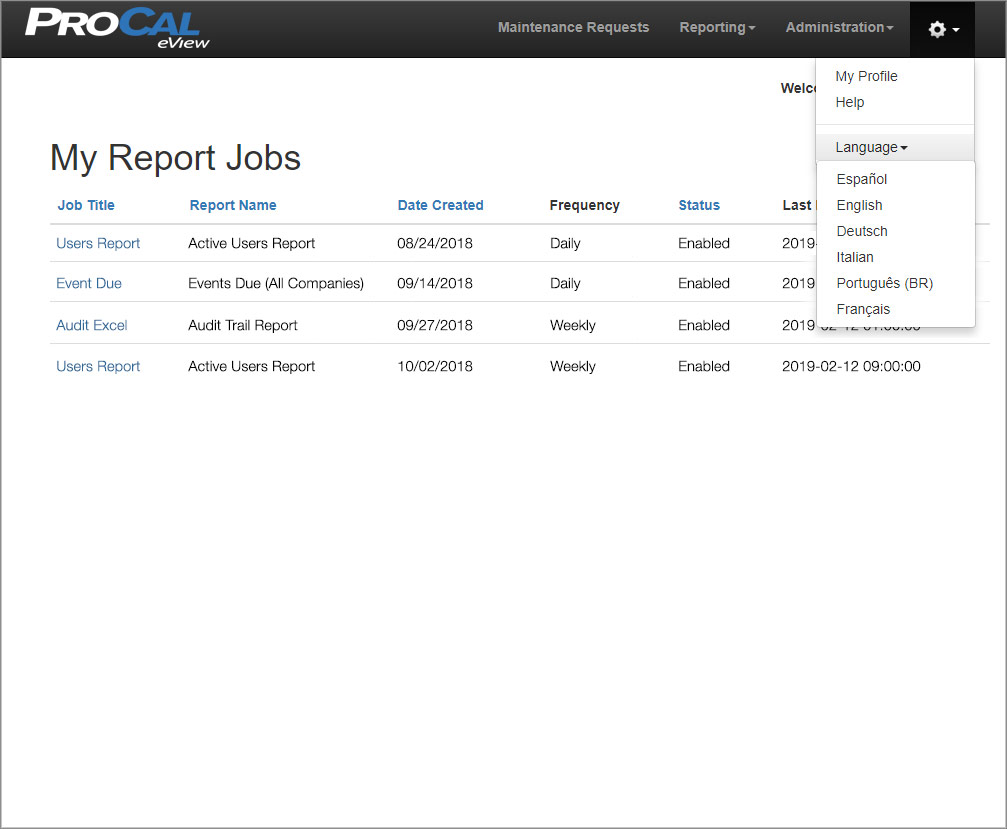
- Multi-language – Supports six different languages. Changing to another language is via a drop-down selection.
- Powerful yet easy to use administration controls
- User administration is simple and straight forward.
- Root/Admin – full access to all features
- System User – access to create & edit job schedules, run reports
- Restricted User – access to view authorized reports and run reports, no job schedule access
- User profile page manages password security, principle account and authorized account access
- There are no limits to the number of report jobs or schedules that may be defined
- The Companies/Reports a user has access to are configurable
- Many other potential benefits!
View the ProCal eView Overview Video Below
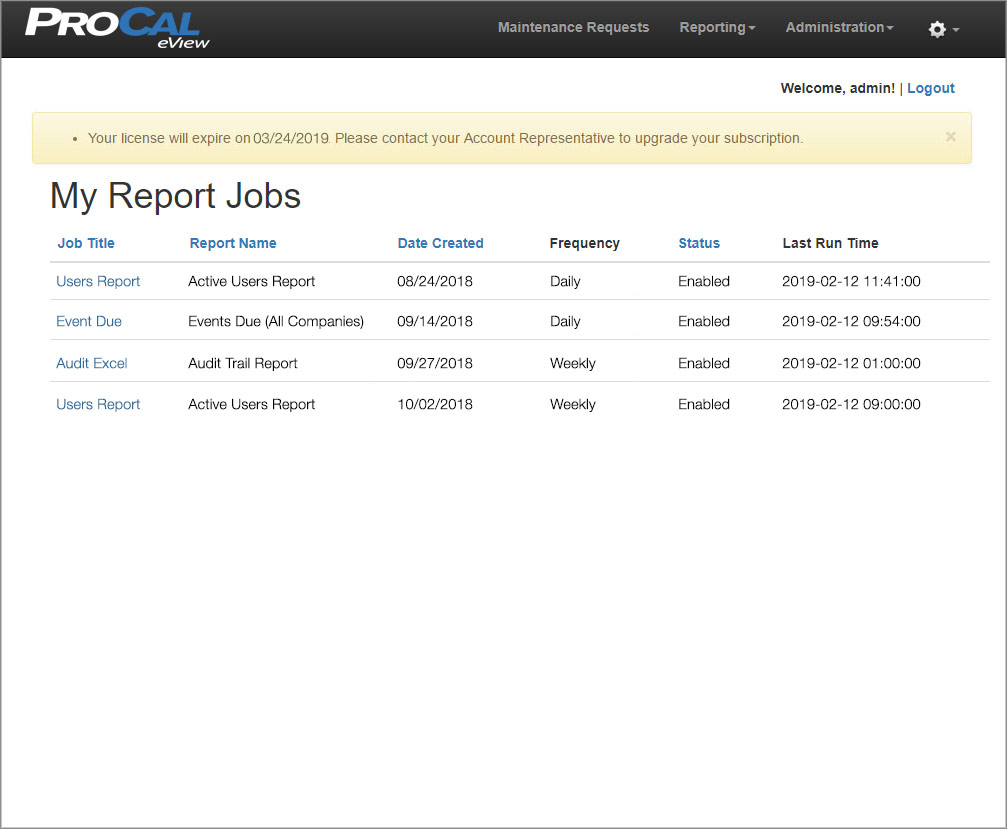
View the ProCal eView Overview Screenshots Below
CONTACT US
Send Message
Have a requirement, a query or feedback? We would love to hear from you. And of course, revert back to you the soonest.
Marks Technology
Mon 09:00 am – 05:00 pm
Tue 09:00 am – 05:00 pm
Wed 09:00 am – 05:00 pm
Thu 09:00 am – 05:00 pm
Fri 09:00 am – 05:00 pm
Sat Closed
Sun Closed